Home Assistant 2026.2
Welcome to the February release! 🏠
Version 2026.2 — "Home, sweet overview" promotes the new home dashboard to the default for all new installs, introduces the community-driven Open Home Foundation device database, renames add-ons to Apps, and ships a fully redesigned Quick search with proper keyboard navigation.
Let's take a look at what's new in this release!
A New Way to View Your Home
The home dashboard that has been evolving over the past few releases is now the official default for all new installations. If you prefer the legacy look, you can still create a custom dashboard from the Overview (legacy) template.
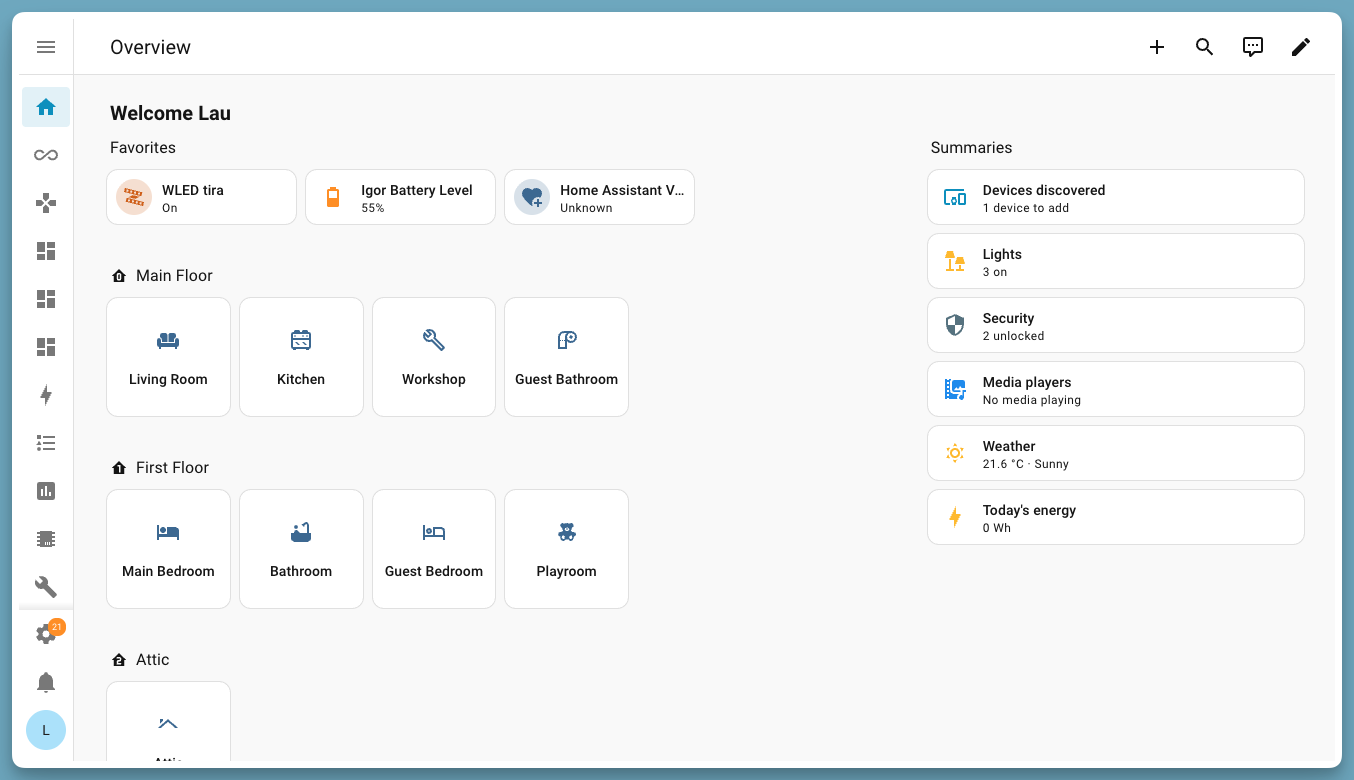
Discovered Devices at a Glance
A new card in the For you section now shows newly discovered devices and prompts you to set them up right from the dashboard. No more digging through settings trying to figure out what just appeared on your network.
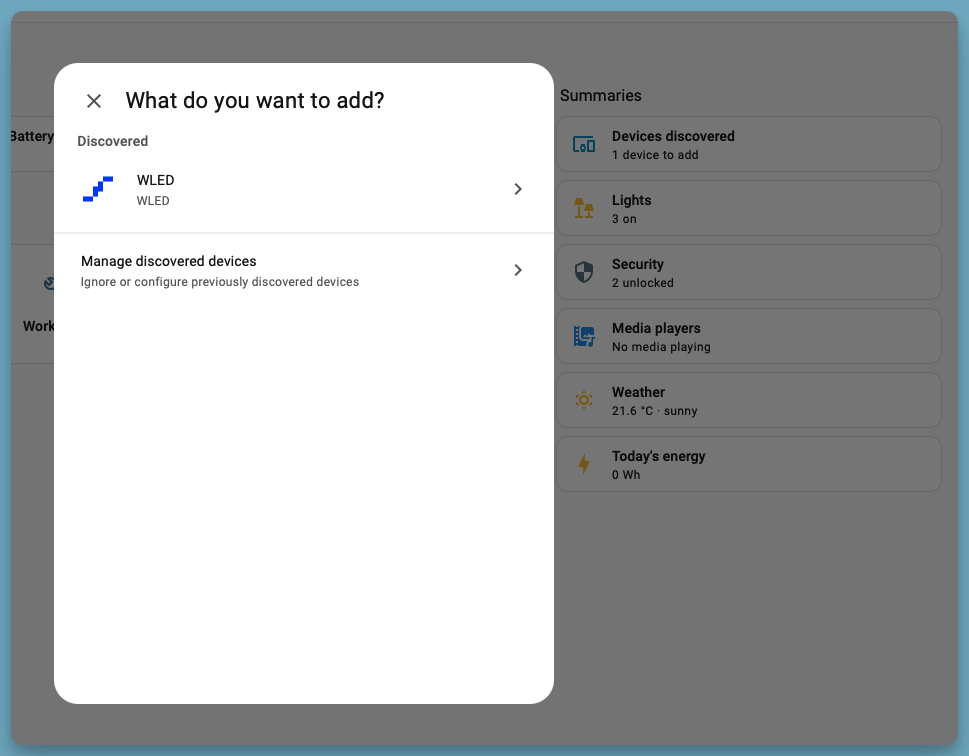
Easier Area Assignments
The new Devices page actively suggests rooms for unassigned devices straight from the dashboard. A couple of taps and every device has a home.
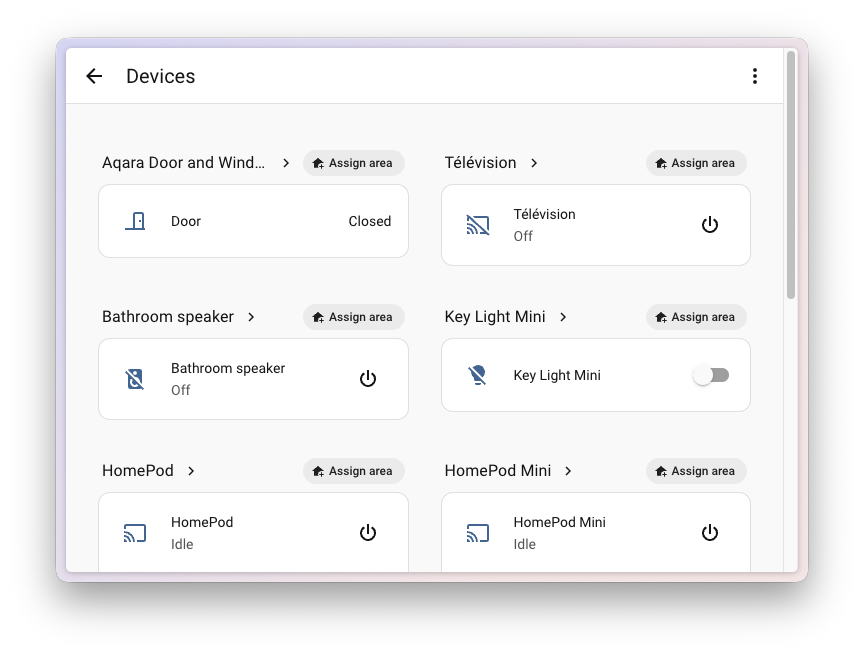
Editing areas themselves is also faster — primary sensors (temperature, humidity) can be edited inline instead of digging into nested settings.
Device Database
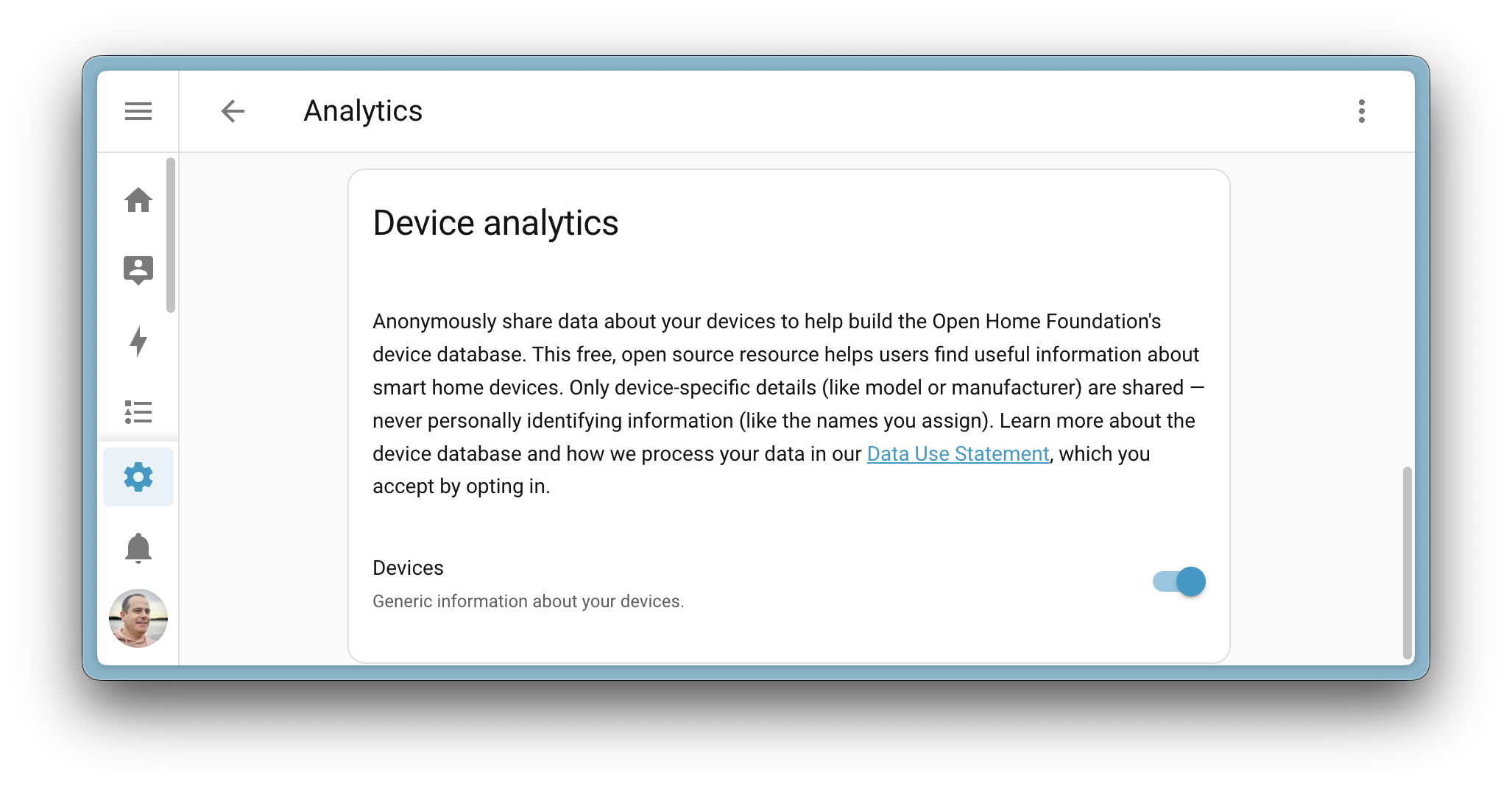
The Open Home Foundation is building a community device database to help everyone make better smart home decisions. Thanks to early contributors, the database already covers 10,000+ unique devices across 260+ integrations.
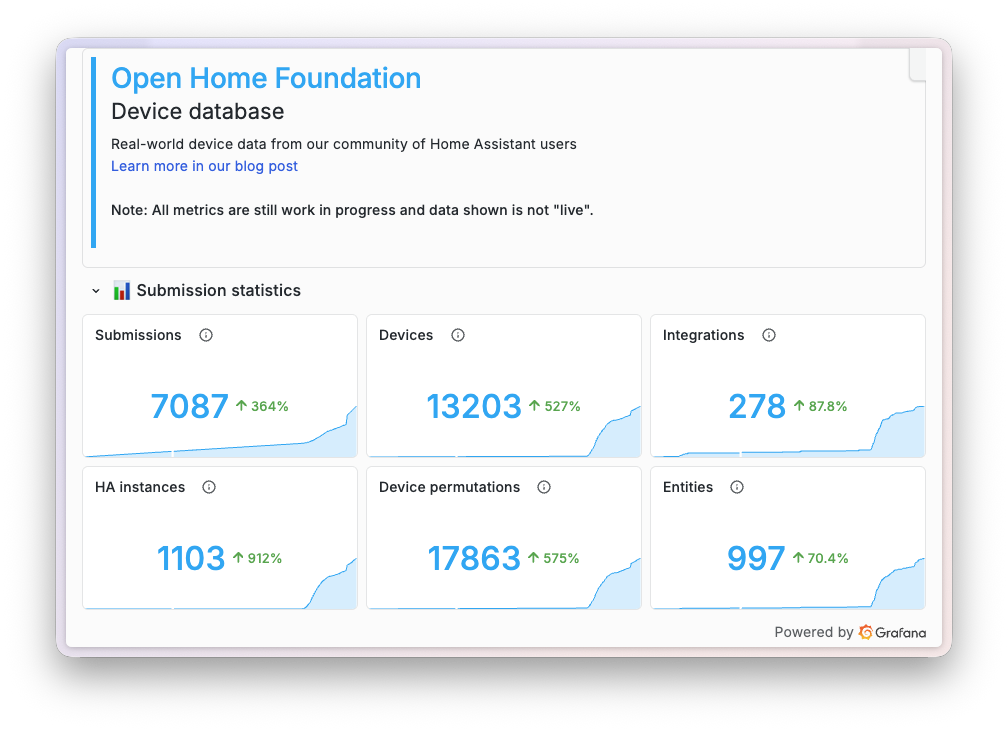
The feature lives in Home Assistant Labs. It only shares fully anonymized device data — no personal information, no telemetry. You can turn it on (and off) in Settings > System > Labs.
Add-ons Are Now Called Apps
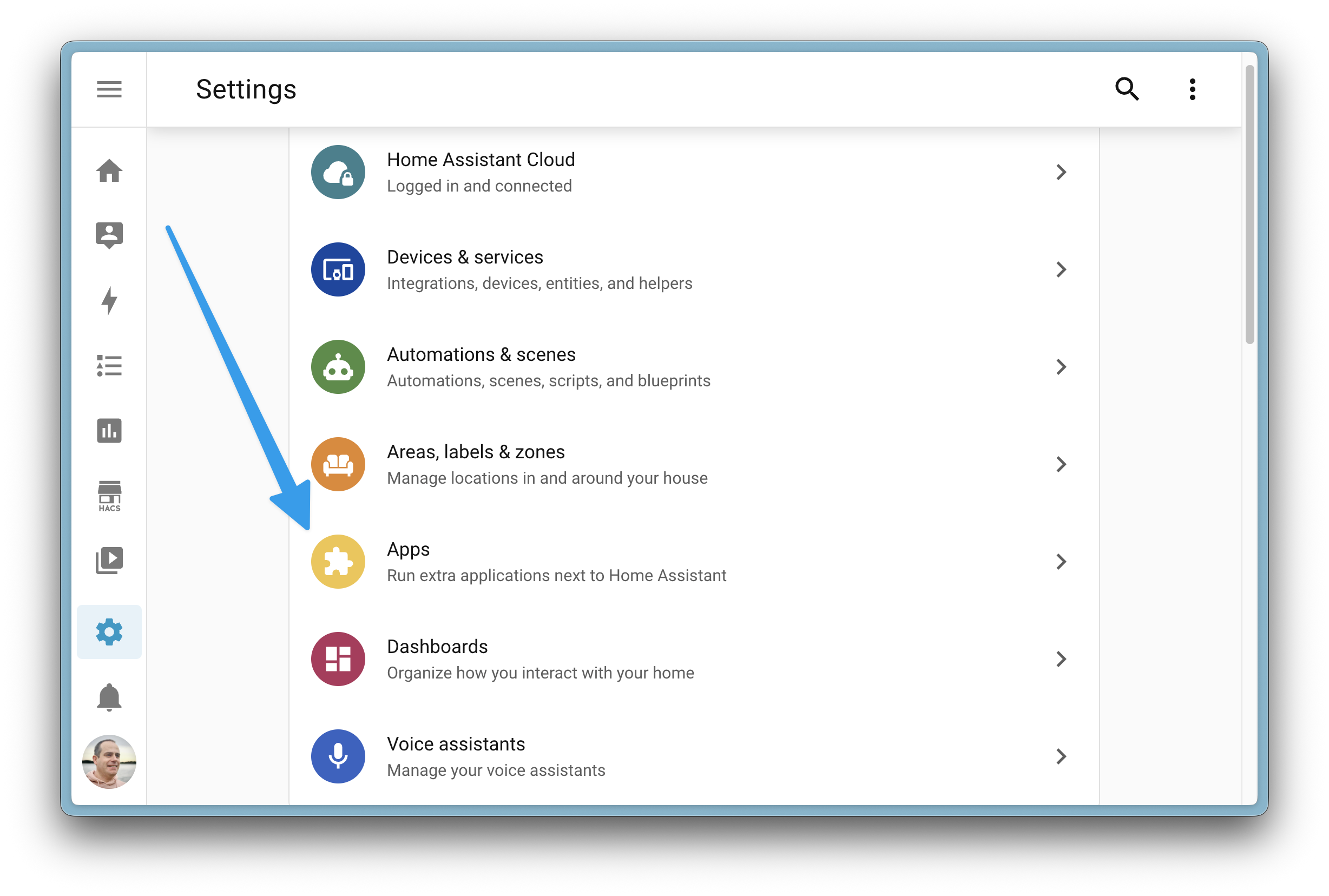
Probably the most visible rename of this release: add-ons are now Apps. The reason is straightforward — for newcomers, "Apps" is instantly understandable, while "add-on" causes confusion. It also makes the difference from integrations much clearer:
Apps run alongside Home Assistant. Integrations connect Home Assistant to your devices.
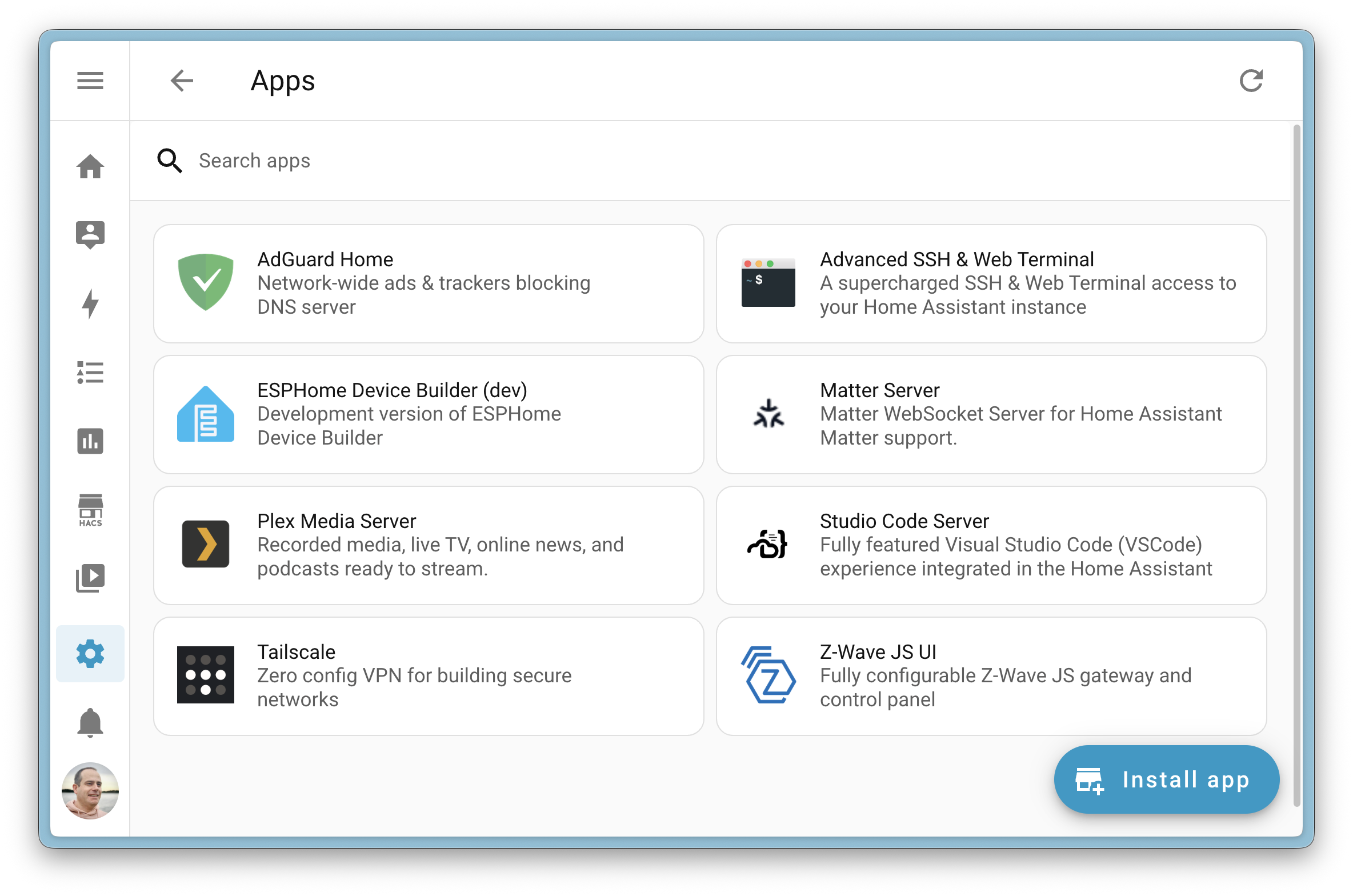
A Faster, Snappier Apps Panel
The panel is now fully integrated into the main frontend (Supervisor used to render it), which makes it noticeably more responsive and smooth to navigate.
Purpose-Specific Triggers and Conditions Progress
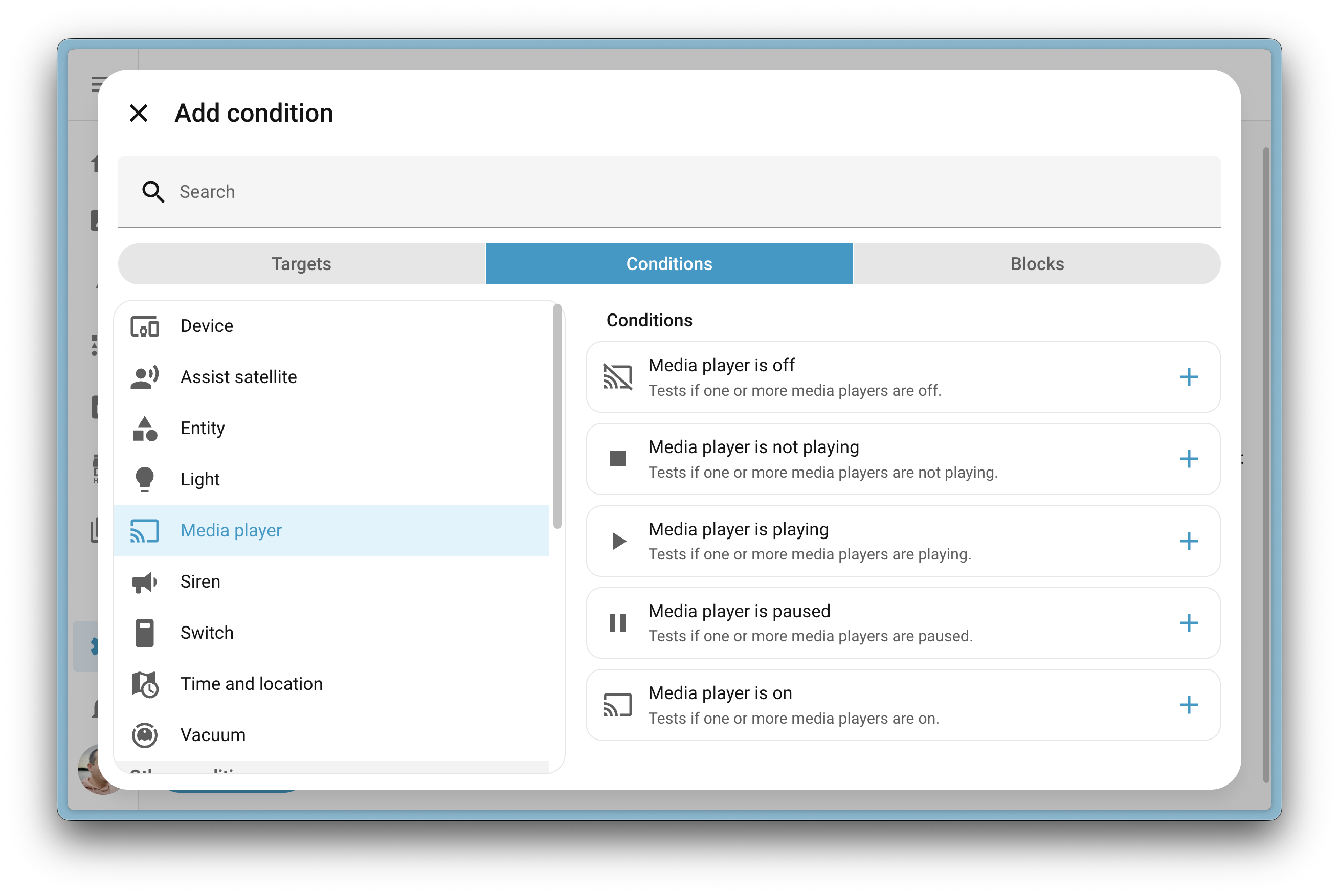
In the previous release, purpose-specific triggers gained a lot of new types. This release continues with the first complete batch of purpose-specific conditions across 13 entity types (alarm control panel, climate, lock, media player, vacuum and more).
Three new triggers also landed:
- Calendar — fires at the start or end of a calendar event
- Person — fires when a person arrives at or leaves home
- Vacuum — fires when a vacuum returns to its dock
Purpose-specific triggers and conditions still live in Home Assistant Labs. If you haven't tried them yet, this is a great time.
A Brand New Card: Distribution
A brand new Distribution card lets you visualize how a value is split across multiple entities — as an interactive horizontal bar chart with a dynamic legend. The card validates that selected entities make sense together (same domain, same device class).
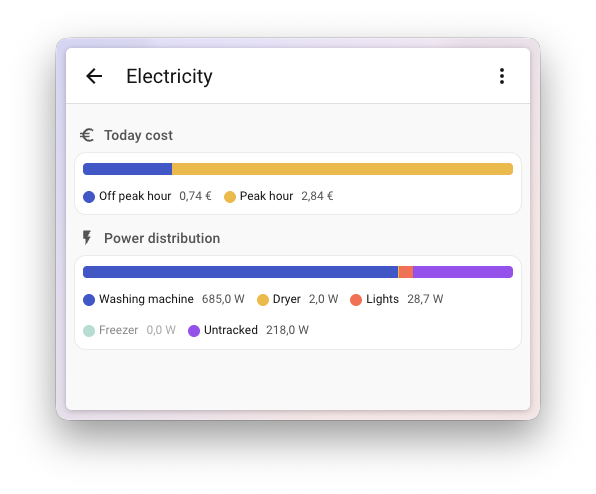
Typical uses: energy consumption split between appliances, storage utilization, any kind of comparative ratio.
Quick Search: The Fastest Way to Anything
Quick search has been completely redesigned. Open it with Cmd+K (macOS) or Ctrl+K (Windows/Linux) and you get a command center with category filters: Navigate, Commands, Entities, Devices, Areas. Everything is fully keyboard-driven.
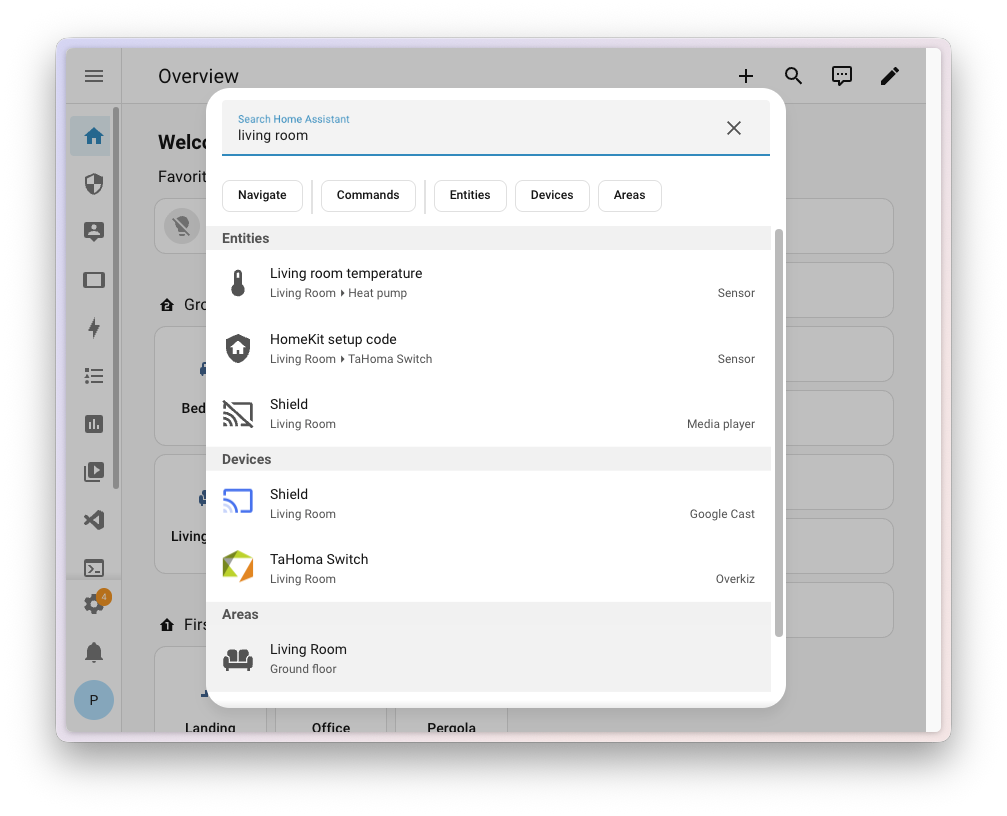
The legacy single-key shortcuts (like c for Devices) still work — they now open Quick search with the matching filter pre-selected.
New Integrations
We welcome the following new integrations in this release:
- Cloudflare R2 — cloud backup storage with a generous free tier and no egress fees
- Green Planet Energy — real-time dynamic electricity pricing from a German renewable energy provider
- HDFury — control HDMI video processors (VRROOM, Diva), manage port selection and monitor signals
- NRGkick — locally monitor NRGkick Gen2 EV chargers without any cloud dependency
- Prana — control heat recovery ventilation systems with energy-efficient heat exchange
- uHoo — indoor air quality monitoring (temperature, humidity, CO₂, PM2.5, health indices)
Notable Improvements to Existing Integrations
Among the most interesting updates to existing integrations:
- ESPHome — added water heater device support
- Music Assistant — pre-announce URLs for custom announcement sounds
- Spotify — direct playback of your Liked Songs collection
- Sonos — podcast favorites are now visible in the media browser
- Reolink — pet chime trigger option for door detection
- SmartThings — audio notification support
- Tibber — binary sensors for EV chargers, temperature/grid sensors and enhanced charging settings
- LG ThinQ — humidifier and dehumidifier control
- Hikvision — snapshot and stream support added
- Bang & Olufsen — battery monitoring for portable speakers
Four more integrations can now be set up via the UI: Namecheap DynamicDNS, OpenEVSE, Proxmox VE and WaterFurnace.
Other Notable Changes
- Developer Tools have been moved to Settings, so all system tooling lives in one place
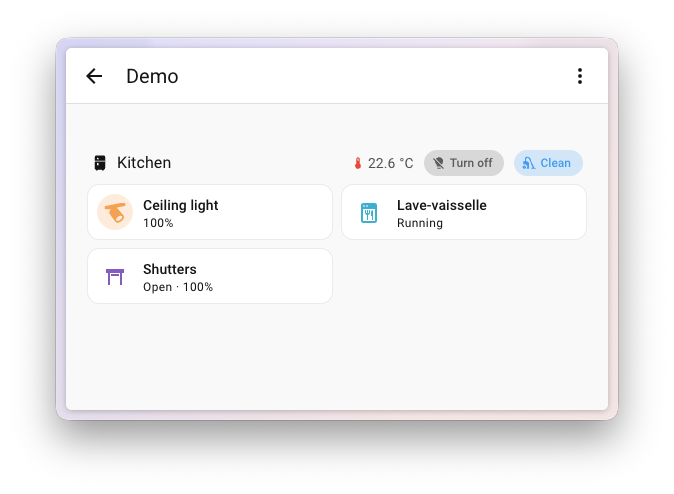
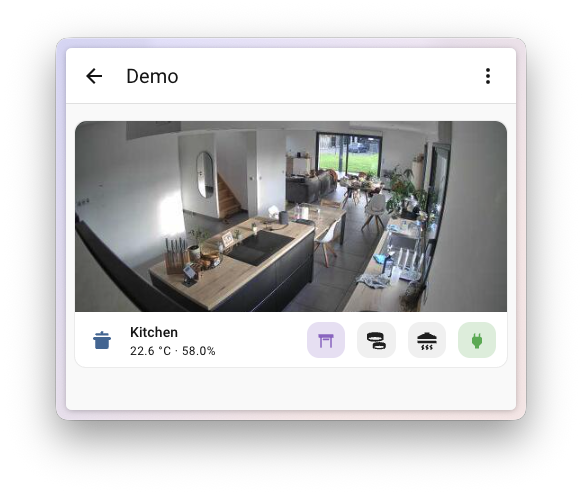
- The Heading card can now host button badges for quick actions, with visibility conditions
- The Area card can pick individual entities as control buttons, not just whole entity types
- The Entity card now supports
tap_action,hold_actionanddouble_tap_action - The template editor now shows a live preview of the template as you type
- Calendar colors are now supported in dashboard cards
- The sidebar keeps Settings always visible
- The Energy dashboard accepts alternative power sensor formats without needing template sensors
- For developers: a new PPB (parts per billion) unit has been added for SO₂ sensors
Backward-Incompatible Changes
- Group — sensor groups become unavailable when all members are unavailable; if not all members are numeric and
ignore_non_numeric=False, the group reportsunknown - Tractive — removed sensors: activity, calories burned, sleep
- Tuya — duplicate HVAC modes are now converted to presets (may require automation tweaks)
- VeSync — the
advanced_sleeppreset was renamed tosleep
More Information
What Came Next
The follow-up 2026.3 added area-based cleaning for robot vacuums, major Energy dashboard improvements, and experimental on-device wake word detection in the Companion app for Android.
Release Party Video
Did this guide help you?
I write these guides in my spare time and keep them up to date. If one saved you time, you can chip in.
One-off, by card or Apple Pay. You can change the amount on the next page.
Would rather not send money? Buy the parts through my product links. The price is the same for you and it helps too.