Hardware for Home Assistant
Every journey to a smart home begins with choosing the right heart of the system – hardware. The choice of device on which Home Assistant will run affects not only performance, but also stability, reliability, and expansion possibilities of the entire system.

Which hardware should I choose?
You have a wide range of options to choose from – from plug-and-play solutions like Home Assistant Green, through popular single-board computers Raspberry Pi, to powerful Mini PCs and advanced virtualization on Proxmox.
Each option brings different advantages and trade-offs:
- Plug-and-play solution (Green) = no installation hassle
- Raspberry Pi = low power consumption and small size
- Mini PC = high performance for cameras and AI detection
- Virtualization = ability to run multiple systems at once
If you're just starting with Home Assistant, I definitely recommend Home Assistant Green.
It's the simplest path – you plug in an ethernet cable and power, and within a few minutes you have a functioning Home Assistant. No installation, no complications. Green has a pre-installed system and automatic updates, so you can focus on building your smart home, not on hardware configuration.
Purchase right away:
- 📡 Home Assistant Connect ZBT-2 - official Zigbee/Thread adapter for wireless devices
- 🔌 Bluetooth adapter (e.g., TP-Link UB500) - if you plan to use Bluetooth devices

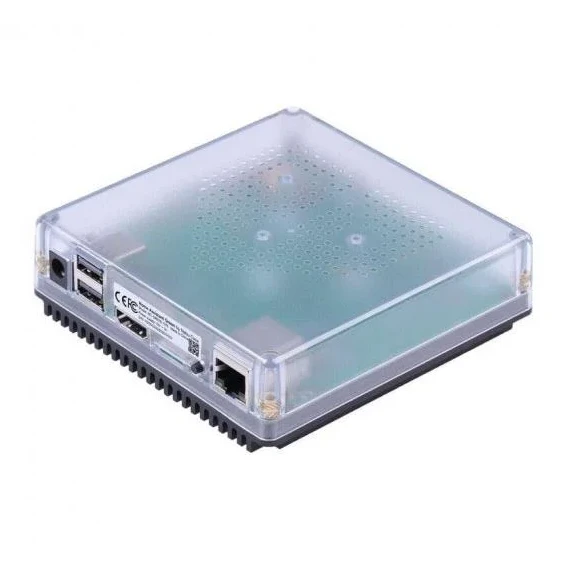
Home Assistant Green
Central hub for smart home control directly from the creators of Home Assistant.



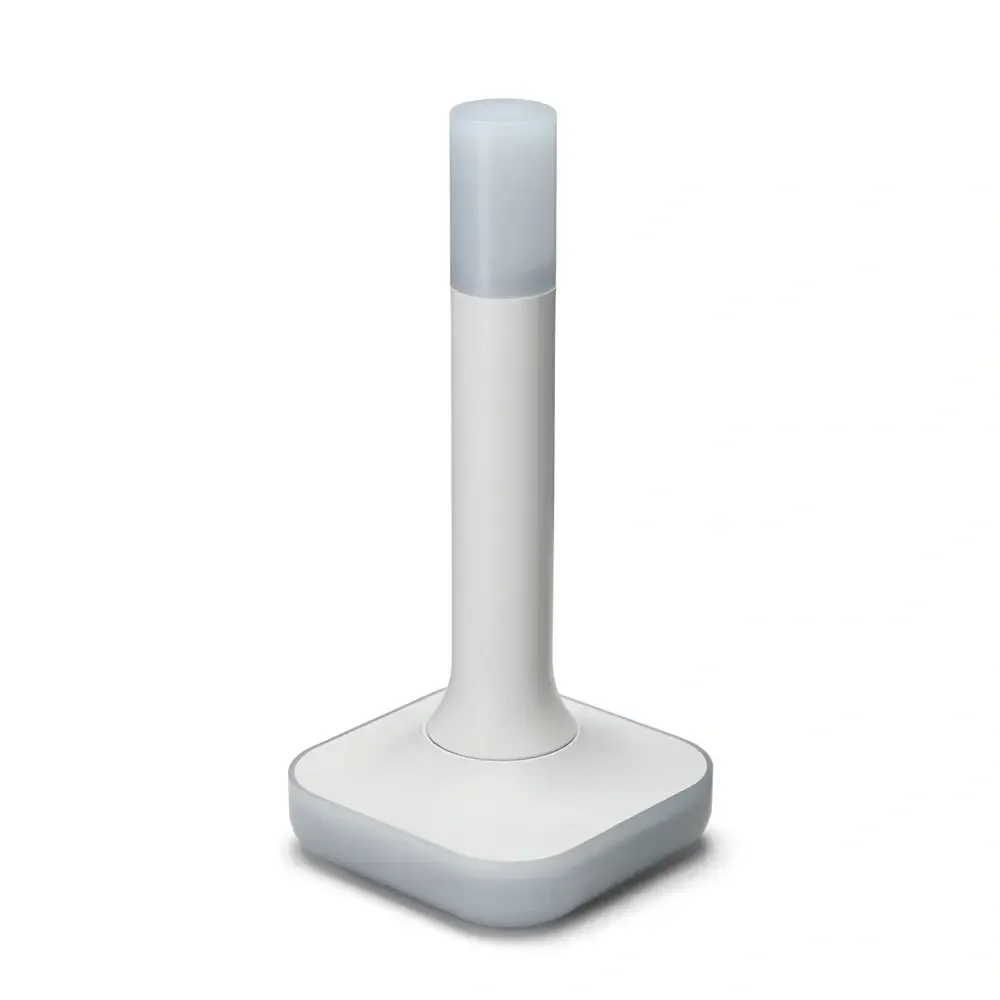
Home Assistant Connect ZBT-2
USB adapter - USB Zigbee/Thread coordinator for Home Assistant (ZHA/Thread), model NC-ZBT-9741, SoC Silicon Labs MG24 + ESP32-S3 (USB-UART), support for Zigbee 3.0 and Thread/Matter-over-Thread (in HA), USB-C connection, power supply 50 m frequency 5 V 2400–2483.5 MHz, omnidirectional antenna 4.16 dBi (Ø24 × 164 mm), CE/FCC/RCM certification, FCC-ID 2A8ZE04, device dimensions 83 × 83 × 179 mm, weight 157 g, polycarbonate housing, operation 0–65 °C, 0–65 °C, operation 0–65 °C indoor use, requires Home Assistant 2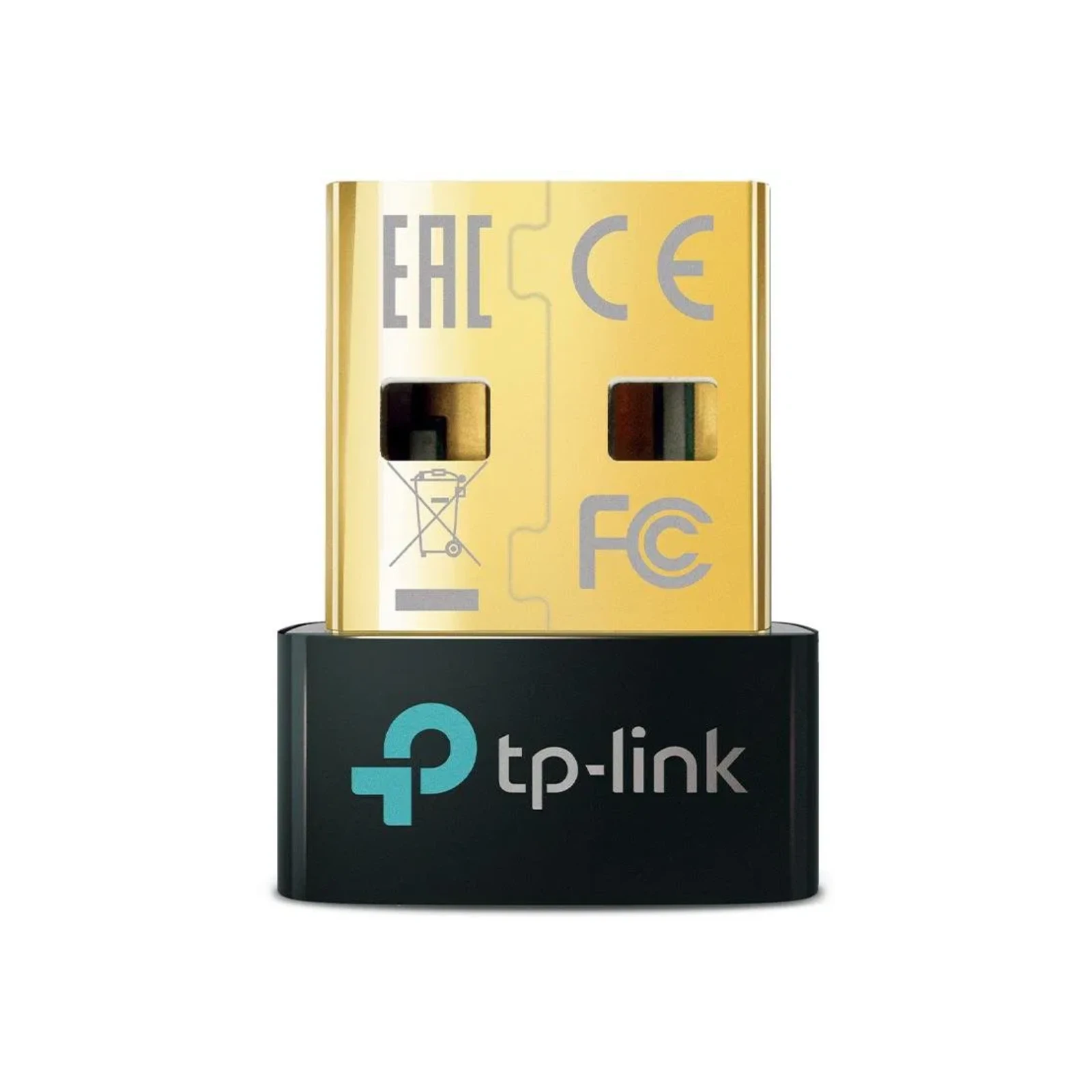
TP-Link UB500, Bluetooth 5.0 Nano USB Adapter
External Bluetooth adapter, USB 2.0 connection.Already familiar with Home Assistant or need more power?
- 🎥 Cameras with AI detection? → Mini PC with Intel QuickSync handles 5-10 cameras with Frigate
- 🖥️ Multiple systems on one device? → Proxmox allows virtualizing Home Assistant and other services
- 🏠 Already have a NAS? → Synology can run Home Assistant in a Docker container
- 💰 Small budget? → Raspberry Pi 5 is still a good choice for basic use
Overview of options
In the following chapters, you'll find detailed guides for individual hardware types:
Official devices from Home Assistant
- Home Assistant Green - recommended plug-and-play solution
Popular hardware
- Mini PC (x86-64) - high performance, Intel QuickSync for cameras, Proxmox capability
- Raspberry Pi 5/4 - low power consumption, compact, popular in the community
Advanced solutions
- NAS Synology - everything on one device (backups + Home Assistant)
- Proxmox - professional virtualization on dedicated hardware
Other options
- Home Assistant Yellow - modular device (production ended 10/2025)
Comparison by use case
Beginner without experience:
→ Home Assistant Green - plug it in and it works
Basic smart home (lights, outlets, sensors):
→ Home Assistant Green or Raspberry Pi 5
Cameras with AI detection (Frigate):
→ Mini PC with Intel N100 - 3-5 cameras
→ Mini PC with i5/i7 - 8-12+ cameras
Multiple services on one device:
→ Proxmox - professional virtualization
→ NAS Synology - backups + Home Assistant
What is Home Assistant OS?
All recommended options in this section use Home Assistant Operating System (HassOS) - a special operating system designed directly for Home Assistant. This means:
- ✅ Pre-installed system - no complex configuration needed
- ✅ Supervisor - manage add-ons with one click
- ✅ Automatic updates - system takes care of itself
- ✅ Add-ons - install thousands of extensions directly from the interface (File Editor, ESPHome, Studio Code Server, etc.)
Alternative installation methods (Docker container, Python core) are no longer widely used by the community and are not part of these guides.
If you're missing any specific hardware in the list, let me know and if it makes sense, I'll be happy to add it.