Home Assistant Green
Home Assistant, or rather the company Nabu Casa behind Home Assistant, has been focusing on hardware over time and currently offers two plug and play solutions for running Home Assistant - Home Assistant Green and Yellow.
The individual devices have similar names but are quite different, and we'll look at the first one called Green. If you're interested in the second one called Yellow, check out the Home Assistant Yellow article.
Home Assistant Yellow was the first hardware device directly from Home Assistant, and its goal was to build a slightly modified Raspberry Pi (thanks to using the Raspberry Compute Module) for Home Assistant users' needs - especially thanks to the integrated Zigbee & Thread module and the ability to install an M.2 SSD disk.
In contrast, Home Assistant Green is a pre-prepared computer at the lowest possible price but with performance that is still sufficient for Home Assistant.
Personally, I consider Home Assistant Green to be the currently preferred choice for running a smart home with Home Assistant. It's a great combination of relatively low price, sufficient performance for smart home hub purposes, and last but not least, a very simple installation.
If you've already ordered Green or are just unpacking it, here are the next steps:
- 📡 Home Assistant Connect ZBT-2 - official Zigbee/Thread adapter (new generation)
- 🔌 Recommended Zigbee hardware - tested products for smart home
- 💾 Backups and restore - how to properly backup your system
- 🎓 HACS - extend with thousands of community components

Specifications
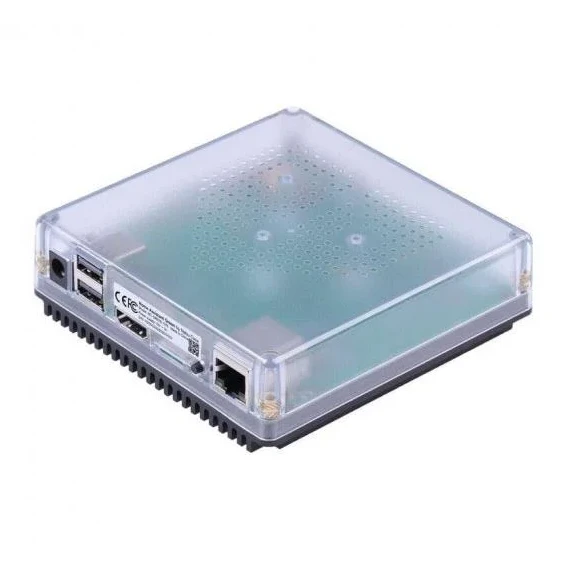
- Processor: Quad-core ARM 1.8 GHz (Cortex-A55)
- RAM: 4 GB
- Storage: 32 GB eMMC
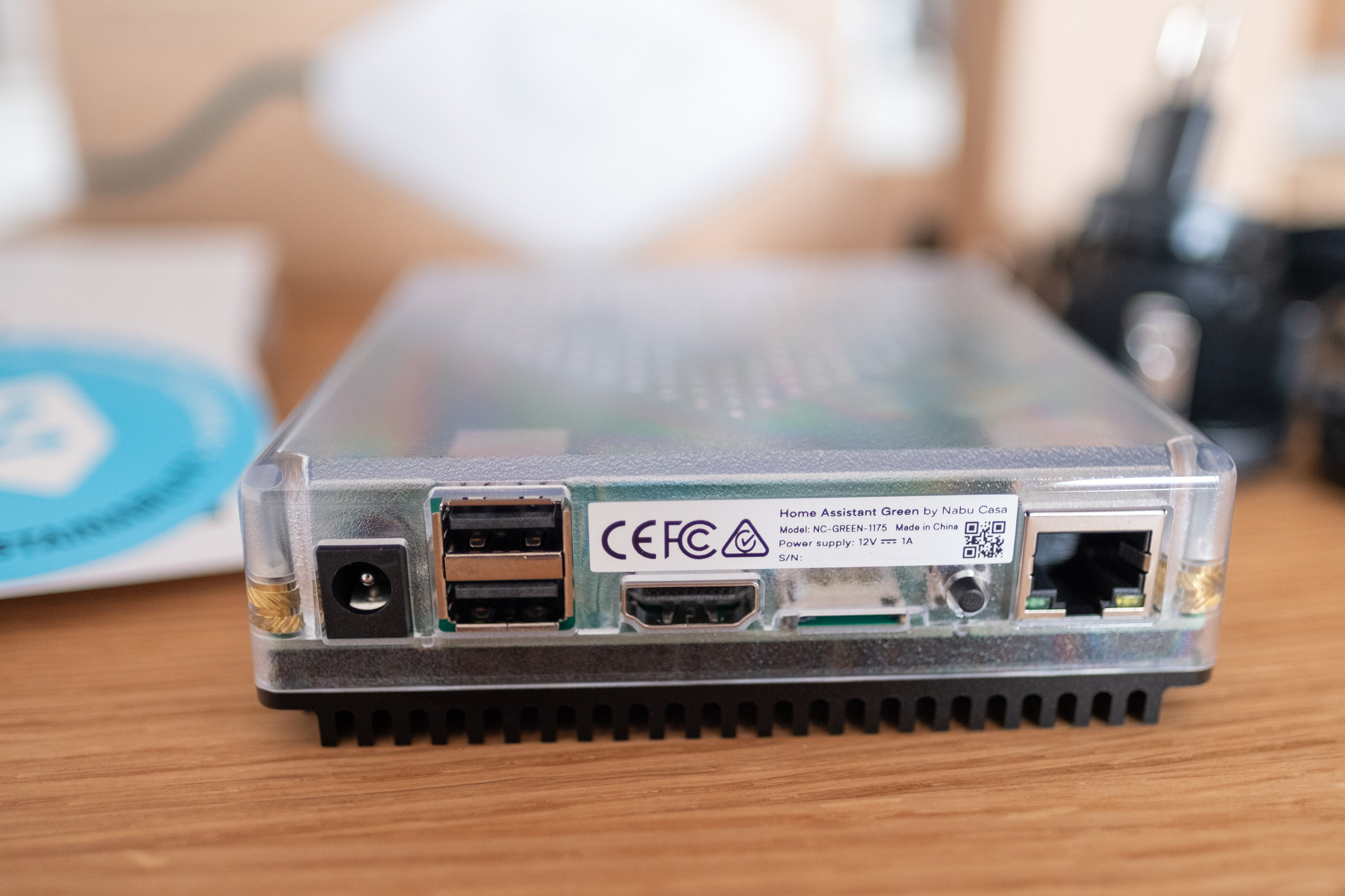
- Ports: USB 2.0 2x
- Network: 1Gbit Ethernet port
- Bluetooth: ❌ - requires additional USB adapter
- Zigbee/Thread: ❌ - requires additional USB adapter
Hardware Options Comparison
Before deciding on Home Assistant Green, let's look at a comparison of all main options:
| Feature | Home Assistant Green | Raspberry Pi 5 (4GB) | Mini PC (x86-64) |
|---|---|---|---|
| CPU Performance | Quad-core ARM 1.8 GHz | Quad-core ARM 2.4 GHz | Intel/AMD 2.0-3.4 GHz (4-8 cores) |
| RAM | 4 GB | 4-8 GB | 8-32 GB (expandable) |
| Storage | 32 GB eMMC | microSD card | M.2 NVMe SSD 256-1000 GB |
| Complete Price | ~2,650 CZK | ~1,800 CZK (without accessories) | 3,000-8,000 CZK |
| Power Consumption | ~1.7-3 W | ~3-8 W | 6-20 W (depends on model) |
| Installation | Plug & Play | Requires installation | Requires installation |
| Storage Reliability | eMMC (high) | microSD (lower) | SSD (highest) |
| Frigate/cameras | Limited (1-2 cameras) | Limited (1-2 cameras) | Full support, HW acceleration |
| Proxmox/VM | No | No | Yes (multiple services) |
| Expandability | None | Limited | Easy RAM/SSD upgrades |
| Bluetooth/WiFi | External adapter | Integrated (BT 5.0) | Mostly integrated |
| Recommended for | Simplicity, beginners | Performance/price, universal | Cameras, multiple services, advanced |
Home Assistant Green is ideal if:
- ✅ You want the simplest solution without installation (Plug & Play)
- ✅ You're looking for reliable eMMC storage
- ✅ You prefer lowest power consumption (1.7-3 W)
- ✅ You want to support Home Assistant development
- ✅ You appreciate maintenance-free operation
Raspberry Pi 5 is best if:
- ✅ You want best performance/price
- ✅ You have installation experience with systems
- ✅ You're planning multiple applications on one device
- ✅ You need integrated Bluetooth
Choose Mini PC if:
- 🎥 You're planning cameras with Frigate (AI detection)
- 🚀 You want multiple services (Proxmox, Plex, AdGuard...)
- 📈 You need room to grow (100+ devices)
- 💪 You're looking for performance at a reasonable price
More information:
- Raspberry Pi for Home Assistant - popular alternative
- Mini PC and generic x86 hardware - for more demanding installations
Comparison with Raspberry Pi 5
Home Assistant Green and Raspberry Pi 5 are the two most popular choices for beginners. While you can find a complete comparison of all options above, here's a more detailed look at the differences between Green and Raspberry Pi 5:
Key Differences
Installation and use:
- Green: Plug it in and it works (Plug & Play) - no installation
- Pi 5: Requires creating an SD card and installing the system
Storage:
- Green: 32 GB eMMC - more reliable, faster than SD card
- Pi 5: microSD card - cheaper, but less reliable
Performance:
- Green: 1.8 GHz - sufficient for regular use
- Pi 5: 2.4 GHz - higher performance, better for more demanding automations
Power consumption:
- Green: 1.7-3 W - lowest consumption of all
- Pi 5: 3-8 W - still very efficient
Home Assistant Green is ideal if:
- ✅ You want a simple solution without installation
- ✅ You're looking for reliable eMMC storage
- ✅ You prefer lower power consumption
- ✅ You want to support Home Assistant development
Raspberry Pi 5 is a better choice if:
- ✅ You want the best performance/price ratio
- ✅ You have experience with system installation
- ✅ You plan to run multiple applications on one device
- ✅ You need integrated Bluetooth
More information about Raspberry Pi can be found in the Raspberry Pi for Home Assistant article.
Power Consumption
One of the advantages of Home Assistant Green is very low power consumption:
- Idle: ~1.7 W at 12V
- Under load: ~3 W at 12V
Annual consumption is approximately 15-26 kWh (1.7-3 W × 24 hours × 365 days), which at an average electricity price of 6 CZK/kWh means 90-156 CZK per year.
For comparison, Raspberry Pi 5 consumes approximately 26-70 kWh per year (3-8 W × 24h × 365 days), which is an annual cost of 160-420 CZK. Green is therefore not only easier to install but also more economical and environmentally friendly.
Package Contents
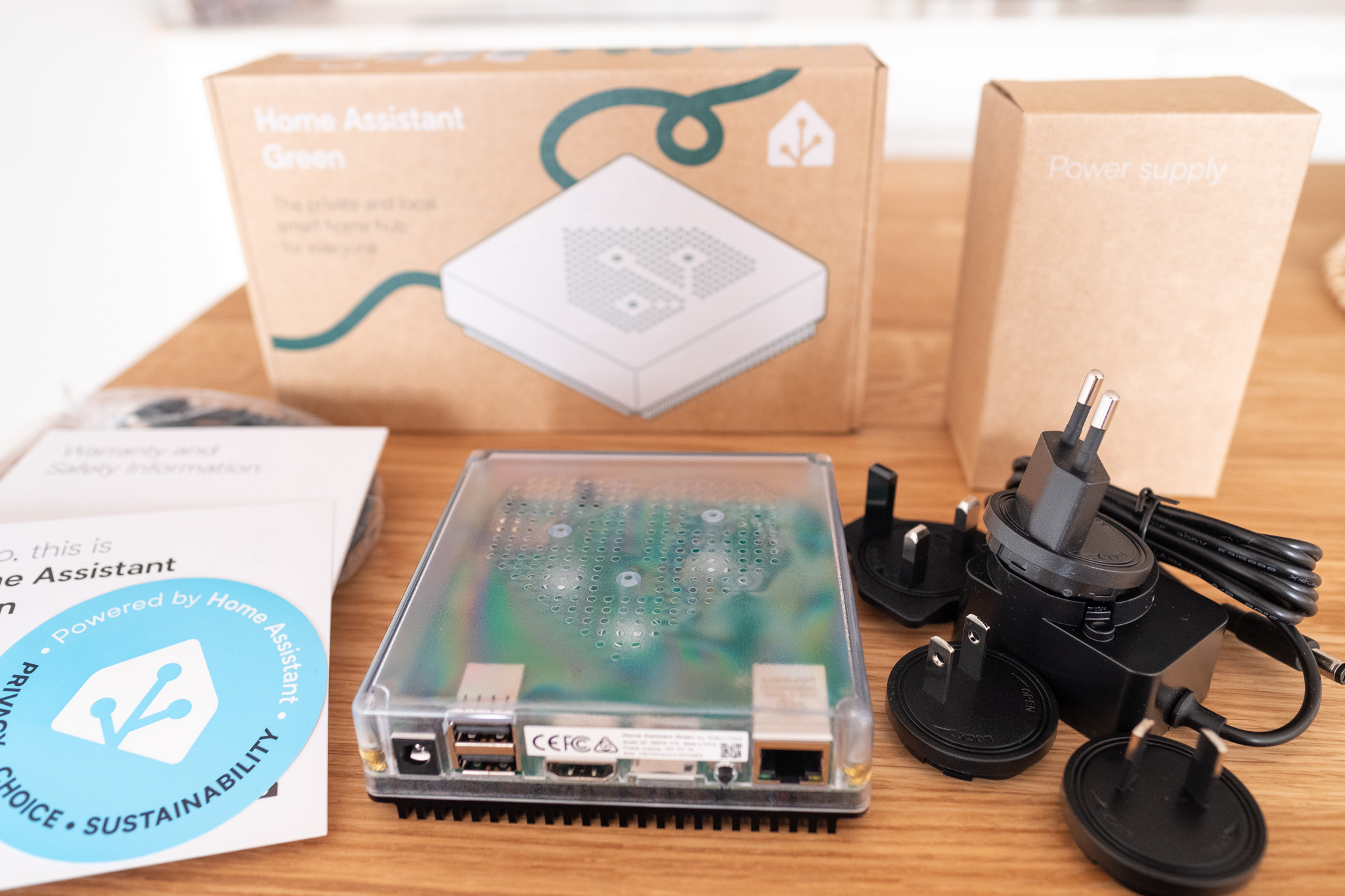
- The Home Assistant Green itself in the form of a square transparent box
- 12V power adapter 1A with universal plugs for different types of sockets
- Black Ethernet cable
To use Bluetooth, Zigbee, or Thread technologies, you need to purchase the appropriate USB adapter.
If you plan to use Zigbee devices (Philips Hue, IKEA, Aqara, Sonoff...), I definitely recommend the Home Assistant Connect ZBT-2 - the second generation of the official adapter with improved antenna, 4× higher speed, and better range.
More about Zigbee and Thread:
- Zigbee in Home Assistant - Introduction
- ZHA (Zigbee Home Automation) - native integration
- Zigbee2MQTT - popular alternative




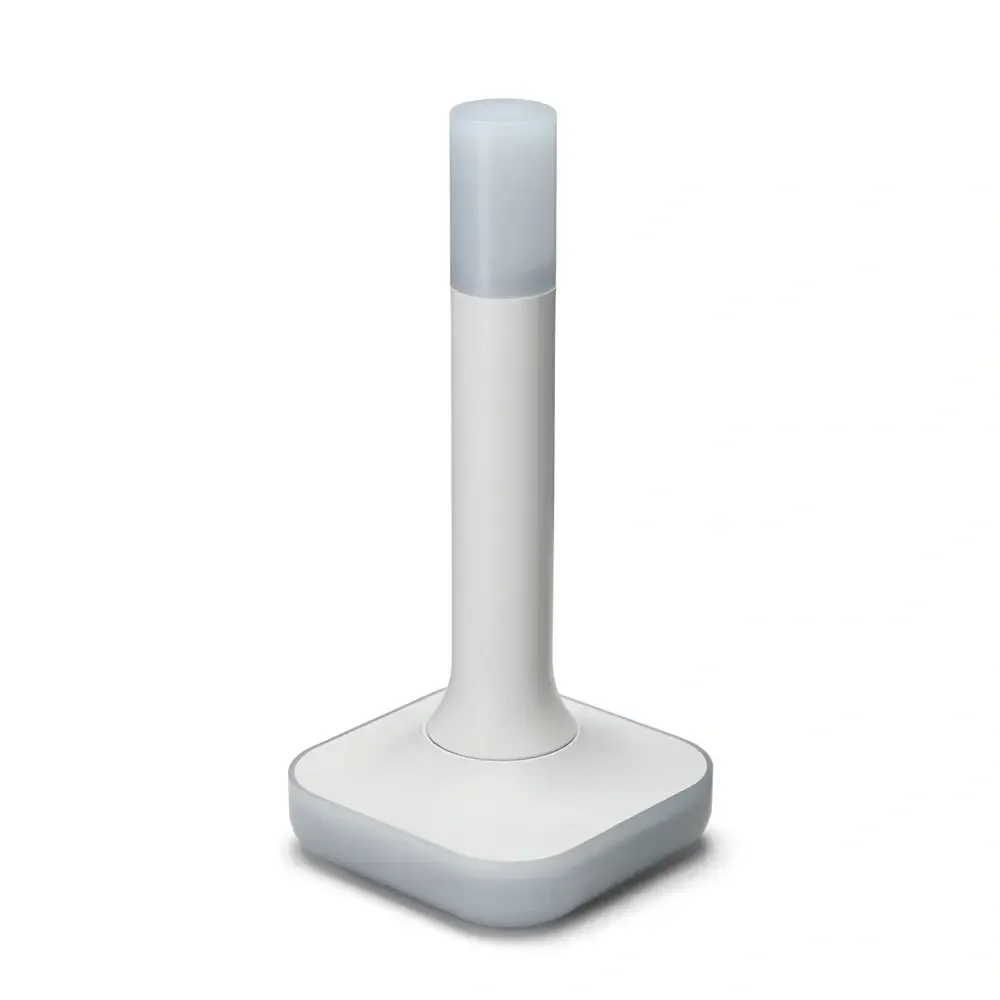
Home Assistant Connect ZBT-2
USB adapter - USB Zigbee/Thread coordinator for Home Assistant (ZHA/Thread), model NC-ZBT-9741, SoC Silicon Labs MG24 + ESP32-S3 (USB-UART), support for Zigbee 3.0 and Thread/Matter-over-Thread (in HA), USB-C connection, power supply 50 m frequency 5 V 2400–2483.5 MHz, omnidirectional antenna 4.16 dBi (Ø24 × 164 mm), CE/FCC/RCM certification, FCC-ID 2A8ZE04, device dimensions 83 × 83 × 179 mm, weight 157 g, polycarbonate housing, operation 0–65 °C, 0–65 °C, operation 0–65 °C indoor use, requires Home Assistant 2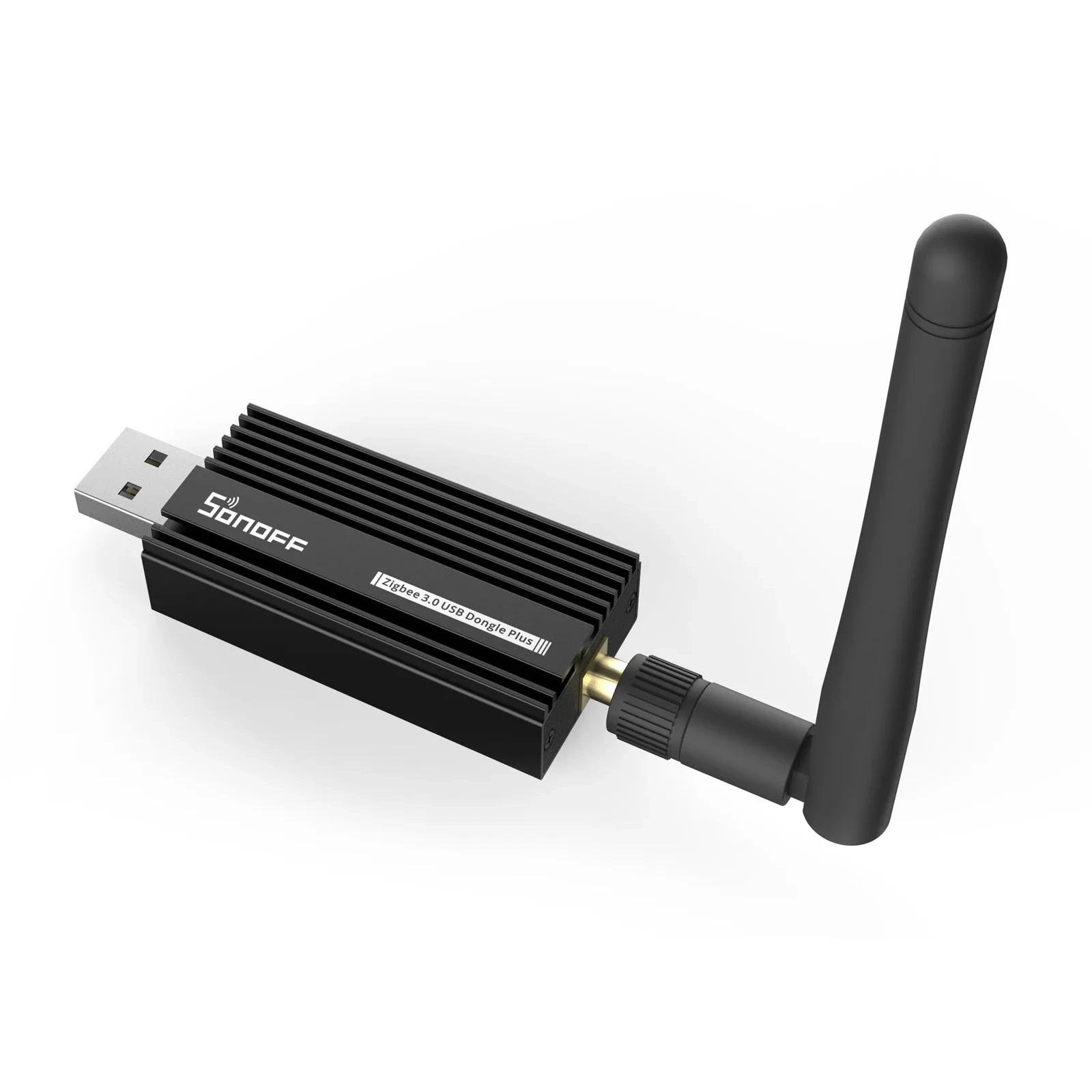
Sonoff Zigbee 3.0 USB Dongle Plus E
USB adapter for connecting Zigbee devices to smart home. With EFR32MG21.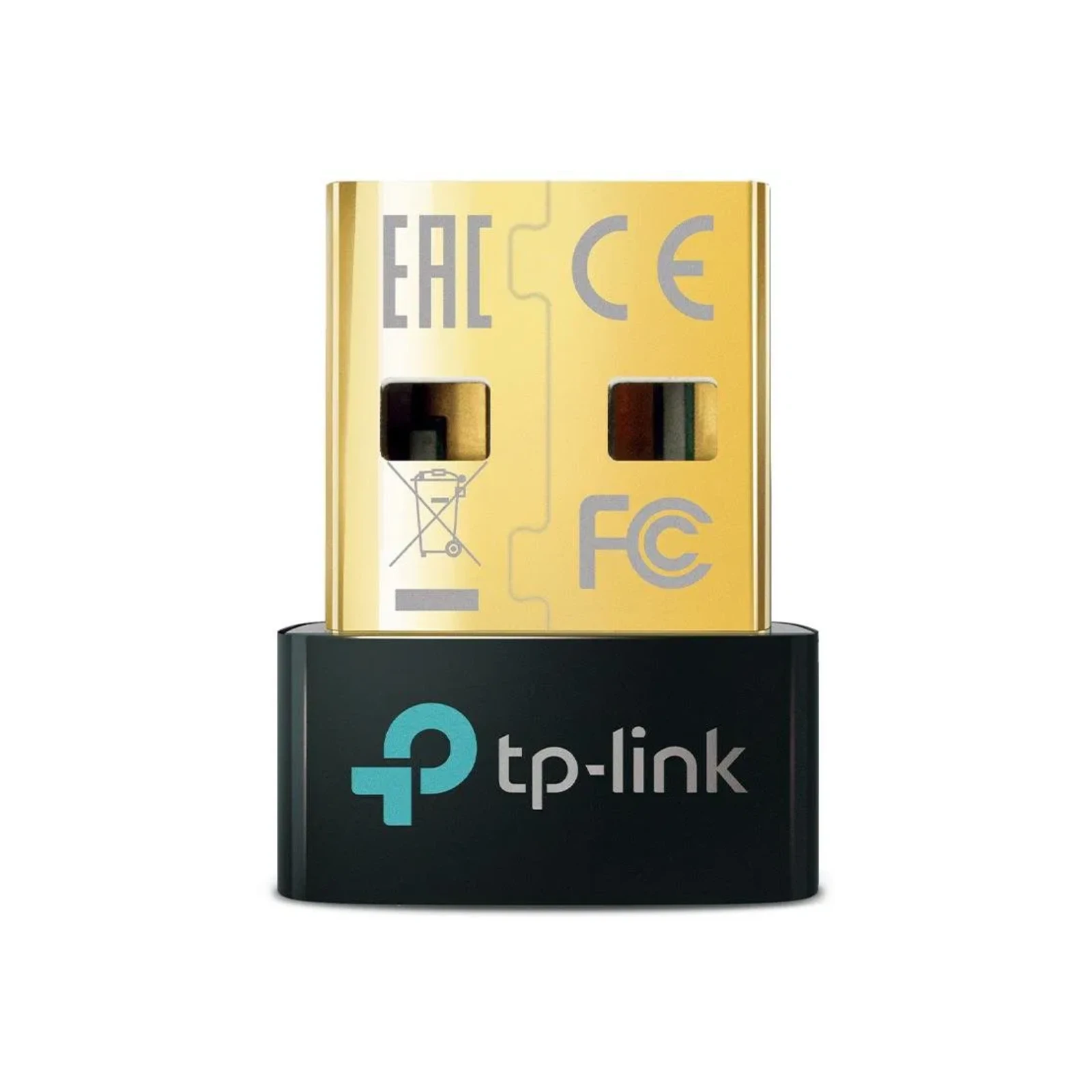
TP-Link UB500, Bluetooth 5.0 Nano USB Adapter
External Bluetooth adapter, USB 2.0 connection.Very similar options are offered by Raspberry computers, which are a staple with broader possibilities that I also recommend checking out.
Detailed product specifications and additional information can be found on the official manufacturer's website.
Pros
- ✅ Easy installation and use: Ideal for users looking for a simple solution without the need for technical knowledge.
- ✅ Optimized HassOS operating system: Ensures stable and efficient operation of the Home Assistant application.
- ✅ Compact design: Small dimensions allow easy placement of the device in the home.
- ✅ Preferred choice: As of October 2025, Home Assistant Yellow production is ending, making Green the primary official hardware from Nabu Casa.
Cons
- ❌ Limited flexibility: The special HassOS operating system may limit the installation and use of other software.
- ❌ Lack of expandable storage slot: This can be limiting for users with higher data storage requirements.
- ❌ No native Bluetooth support: Requires an external USB adapter to connect Bluetooth devices.
Home Assistant Installation
Installation is really simple:
- Physically connect the Ethernet cable and power to Green
- Open your browser and go to
http://homeassistant.local:8123 - Wait a few minutes for preparation (downloading the latest version)
- Follow the wizard - create account, set location
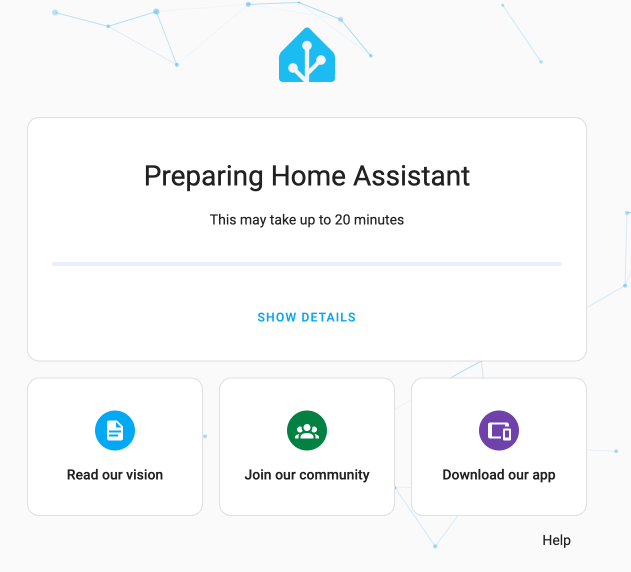
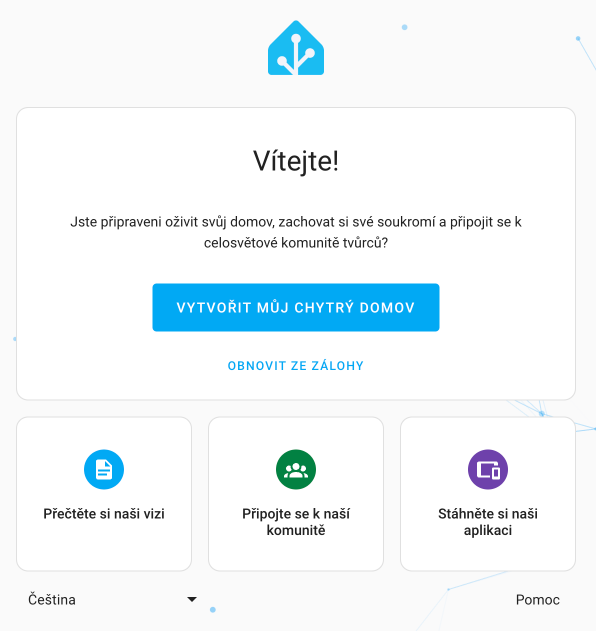
Once everything is ready, the language will automatically switch to Czech and you can either create a new smart home or restore an existing one from a backup.
If the page doesn't load:
- Windows users: You may need Bonjour Print Services
- Alternative: Find Green's IP address in your router and use
http://[IP-ADDRESS]:8123 - More help: Check out installation troubleshooting
Frequently Asked Questions
Is Home Assistant Green powerful enough for regular use?
Yes, Green is designed to handle a regular smart home with dozens of devices and hundreds of automations. Thanks to 4 GB of RAM and fast eMMC storage, it provides very good performance for most users.
For very demanding installations with cameras and complex add-ons, more powerful hardware like Mini PC may be a better choice.
Can I expand the storage?
No, Green has fixed 32 GB eMMC storage that cannot be expanded. For most users, this is sufficient - Home Assistant configuration takes up only a few GB.
If you plan to store many camera recordings, I recommend considering external storage or NAS for backups.
Do I need Home Assistant Cloud?
No, Home Assistant Cloud is not required! Green works completely independently without the cloud.
Home Assistant Cloud (Nabu Casa) is a paid subscription for $65/year that brings:
- 🌐 Remote access without needing to set up VPN or port forwarding
- 🗣️ Easy integration with Google Assistant and Amazon Alexa
- ☁️ Automatic cloud backups
More about remote access in the article.
Is Green better than Raspberry Pi?
It depends on your needs - check out the detailed comparison above, where you'll find a comparison of all parameters and recommendations for which type of user each solution is suitable.
Can I use Green with WiFi instead of Ethernet?
No, Green doesn't have a WiFi module - it requires an Ethernet connection. However, this is an advantage for stability - Ethernet provides a faster and more reliable connection than WiFi.
If you don't have an Ethernet socket at the installation location, you can use Powerline adapters (internet over electrical network) or WiFi bridge.
What if I want to use Zigbee devices?
For Zigbee devices (Philips Hue, IKEA, Aqara, Sonoff...), you need a USB Zigbee adapter. I recommend the Home Assistant Connect ZBT-2 - the second generation of the official adapter with improved antenna.
More information:
How often should I backup Green?
I recommend setting up automatic weekly backups. Green supports backups directly in the user interface and you can store them on network storage or NAS.
Detailed guide can be found in the article Backups and restore.
Related Articles
Hardware
- Choosing hardware for Home Assistant - complete guide to all options
- Raspberry Pi 5/4/3 - popular alternative to Green
- Home Assistant Yellow - modular device (production ending)
- Mini PC and generic x86 hardware - for more demanding installations
- Synology NAS - Docker installation on NAS
- Proxmox - professional virtualization
Zigbee and Thread
- Home Assistant Connect ZBT-2 - official Zigbee/Thread adapter (2nd generation)
- Zigbee in Home Assistant - Introduction - everything about Zigbee
- ZHA (Zigbee Home Automation) - native integration
- Zigbee2MQTT - popular alternative
- Recommended Zigbee hardware - tested products
Configuration and Extensions
- Remote access - how to connect from outside
- HACS - thousands of community components
- Add-ons - extending applications
- Backups and restore - how to backup properly
- Data storage - MariaDB vs. SQLite